WaterDefault quantity
250 mlQty100%HydrationWater Tracker N Reminder
OfflineNo LoginPrivate
SmartReminders
InsightfulTrendCharts


Feature Spotlight
Choose Your Fluid
Water Tracker lets you choose from a real drink library, keep your active list focused on what you actually drink, and fine-tune default serving sizes before you start logging.
Browse by category: Water, Coffee, Tea, and Juice stay easy to scan inside the actual picker.
Set realistic defaults: each drink can carry its own quantity so quick logging stays accurate.
See hydration impact: every option uses the app's hydration values, not a one-size-fits-all assumption.
This is the real feature flow: free users can choose up to 3 fluids, and Pro unlocks a broader drink library for more personalized tracking.
Choose Your Fluid
Search a drink type
WaterCoffeeTeaJuiceAll
Water
Mineral WaterDefault quantity
250 mlQty100%HydrationCoffee
CoffeeDefault quantity
250 mlQty98%HydrationEspressoDefault quantity
60 mlQty86%HydrationTea
TeaDefault quantity
250 mlQty99%HydrationMatchaDefault quantity
250 mlQty99%HydrationJuice
Orange JuiceDefault quantity
250 mlQty89%HydrationLemonadeDefault quantity
250 mlQty99%HydrationGlobal Access
Hydration Support In 59 Languages
Water Tracker is built for a global audience, with real in-app language support that helps more people set goals, log drinks, and follow reminders in the language they understand best.
59Supported app languages
Localized for real use: setup, tracking, and reminders become easier to follow day after day.
Broader reach: the app supports users across major global and regional languages.
Practical accessibility: language choice helps make hydration habits simpler for more households worldwide.
Verified from the app language pack: this showcase reflects the actual supported language list used by Water Tracker.
59Languages inside the actual Water Tracker app
EN
ES
FR
DE
PT
IT
RU
JA
KO
ZH
HI
AR
VI
TH
TR
SW
AI Hydration Coach
Meet Subra AI Hydration Coach
Subra AI gives Water Tracker a more flexible layer of guidance, helping users ask real hydration questions, get concise coaching, and go beyond fixed screens when they want more personalized insight.
Powered by Gemma 4On-device privacyHydration coaching
More flexible than fixed screens: users can ask for custom hydration history or trend ranges that normal dashboards do not show by default.
Built for privacy by default: after setup, Subra AI is designed to work on-device instead of sending personal hydration chats to cloud servers.
Practical daily coaching: reminder ideas, hydration habit suggestions, and intake guidance stay short, useful, and action-oriented.
Real setup detail: Subra AI requires a one-time brain download of about 2.5 GB, then it can be exported, stored, and reused without repeating the same large download.
AI
Subra AIYour hydration coach with concise, practical guidance
Offline-ready after setup
Gemma 4Engine behind Subra AI hydration guidance
~2.5 GBOne-time AI brain download before offline use
Custom rangesAsk for views beyond fixed 7-day or 15-day trend screens
Full App Showcase
Explore Water Tracker Screen By Screen
This final gallery brings together the full Water Tracker visual flow, from daily logging and reminders to trends, privacy, customization, and backup features. Swipe horizontally to browse all showcase screens.
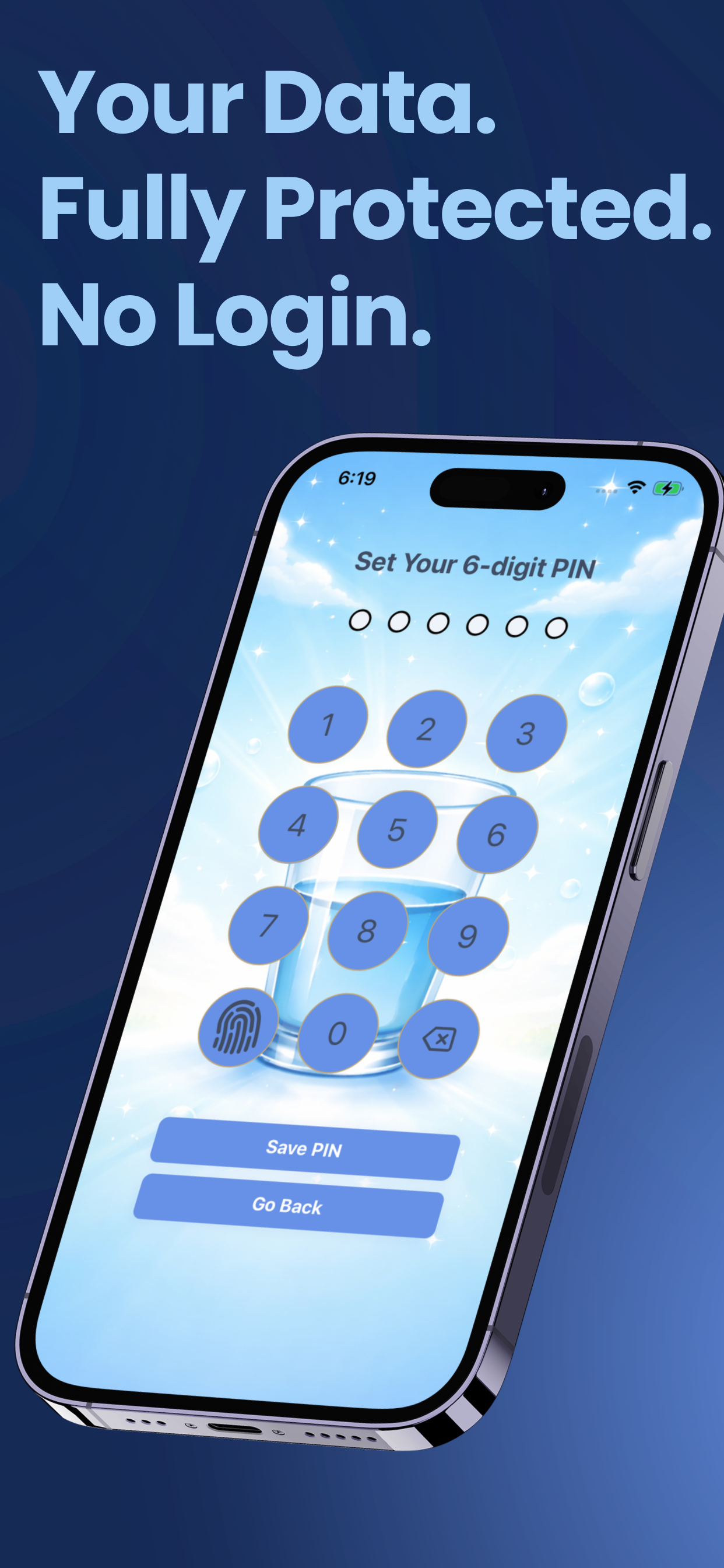
Privacy-first trackingWater Tracker
1
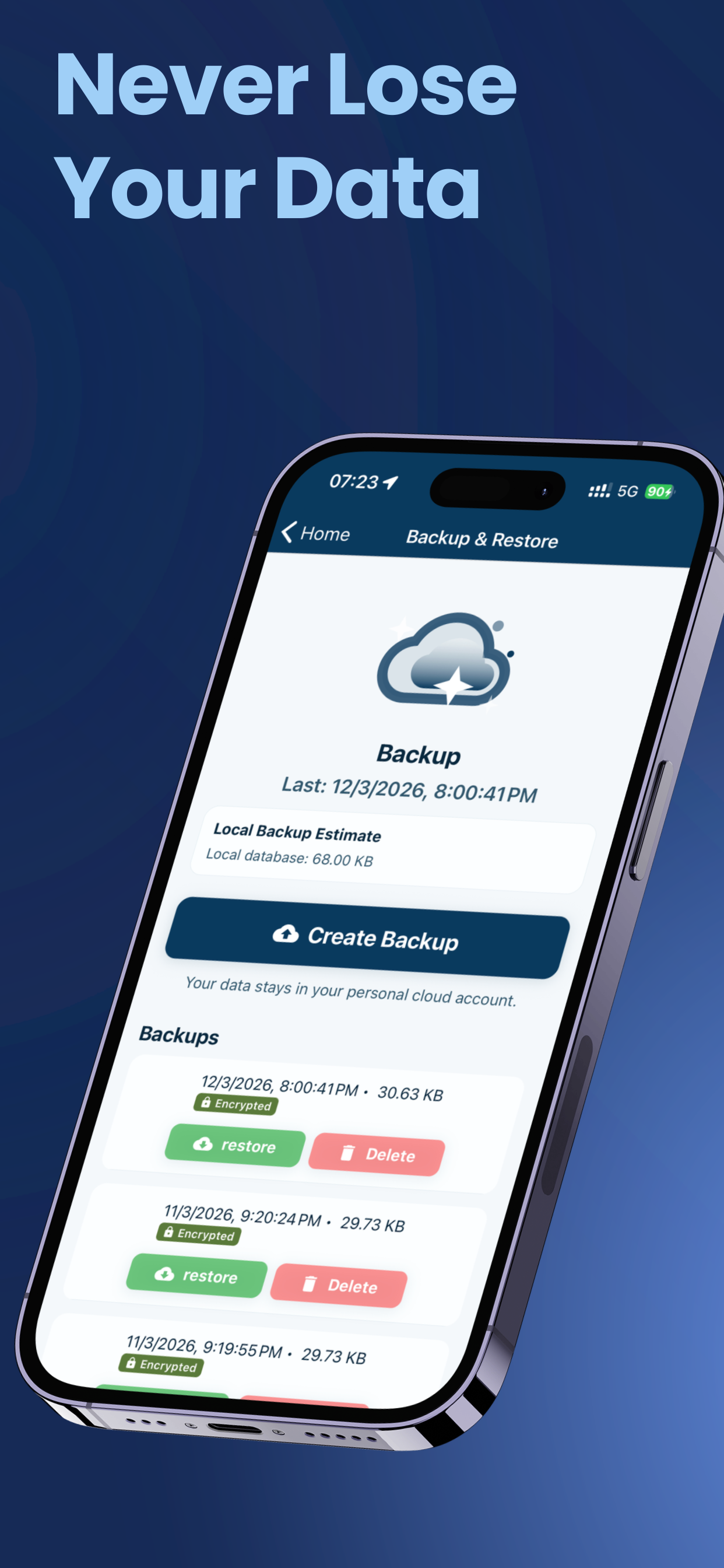
Backup and restoreWater Tracker
2
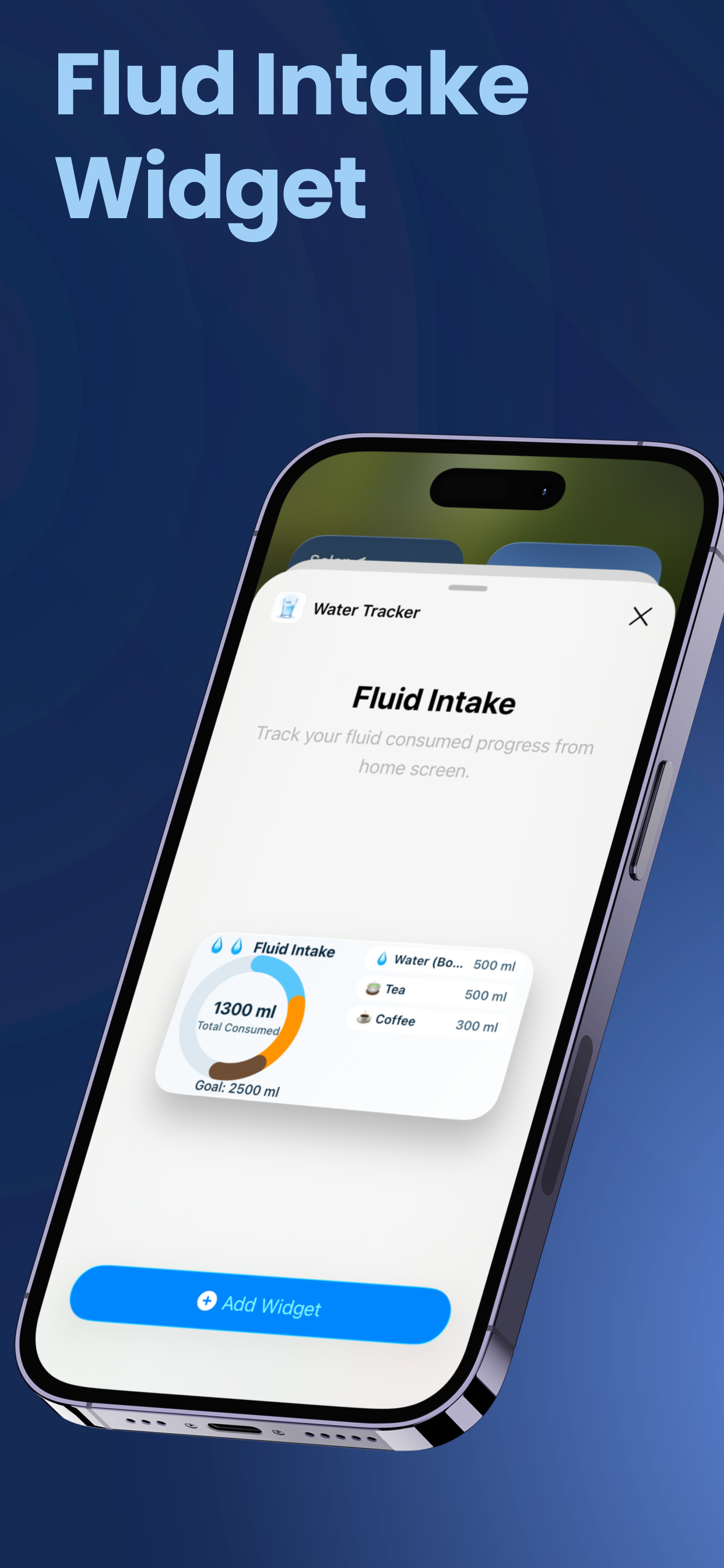
Daily hydration workflowWater Tracker
3
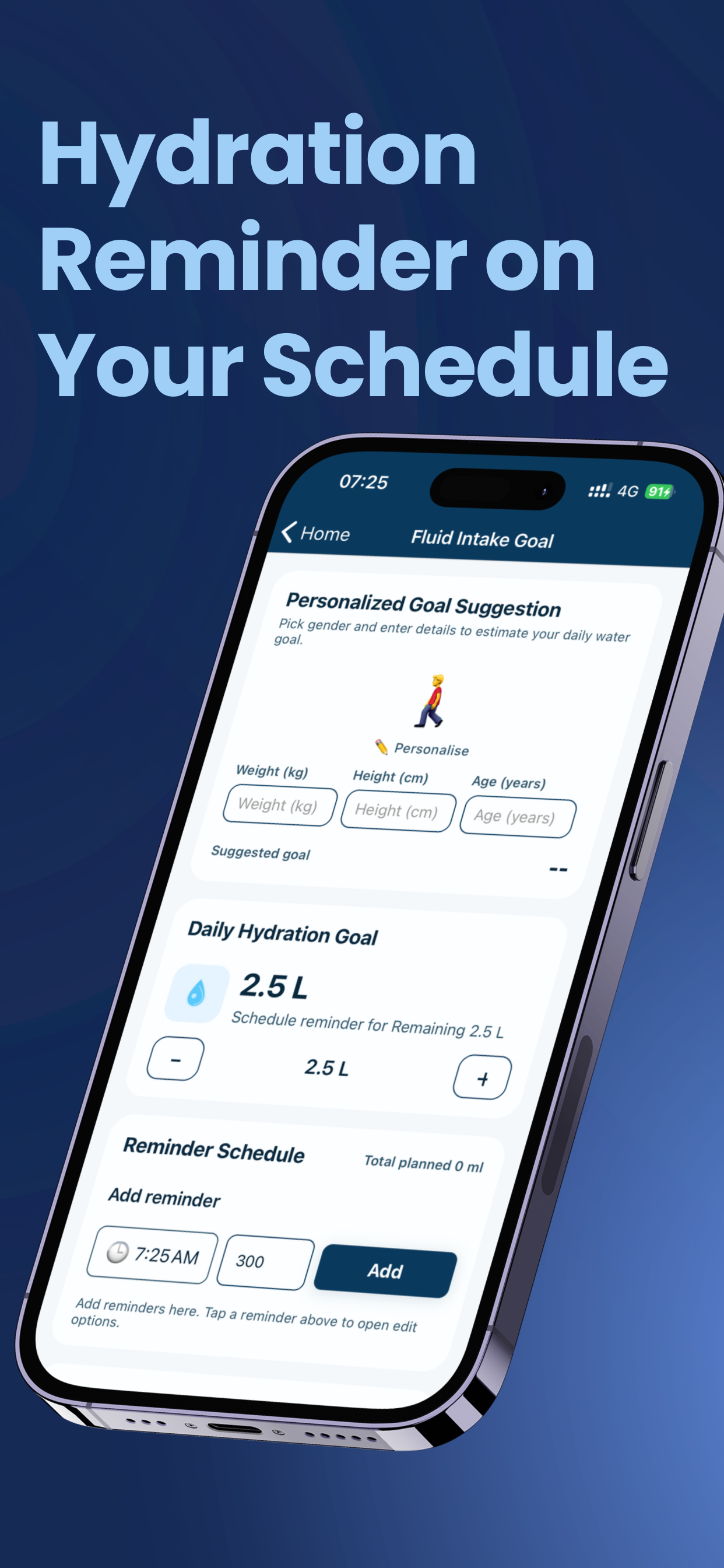
Reminder schedulingWater Tracker
4
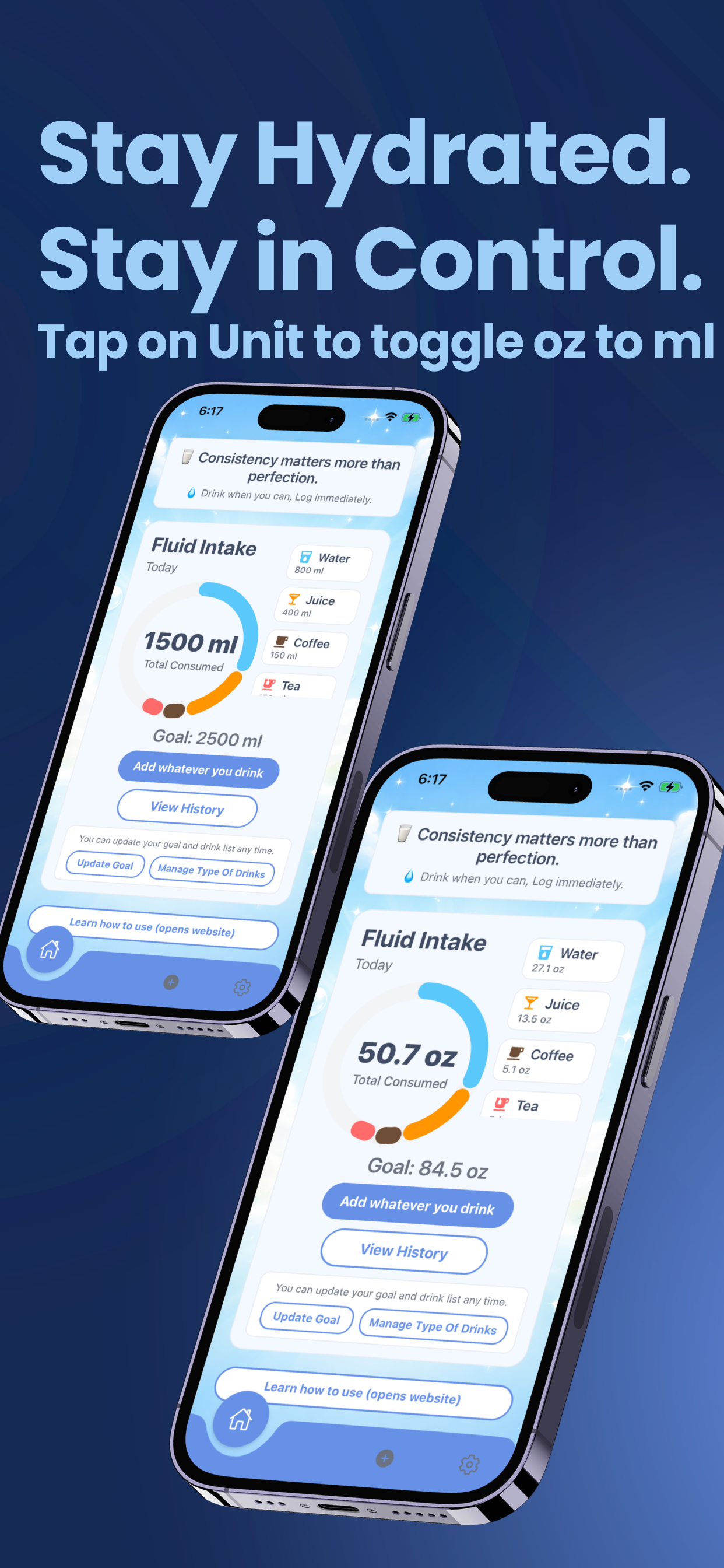
Quick logging dashboardWater Tracker
5
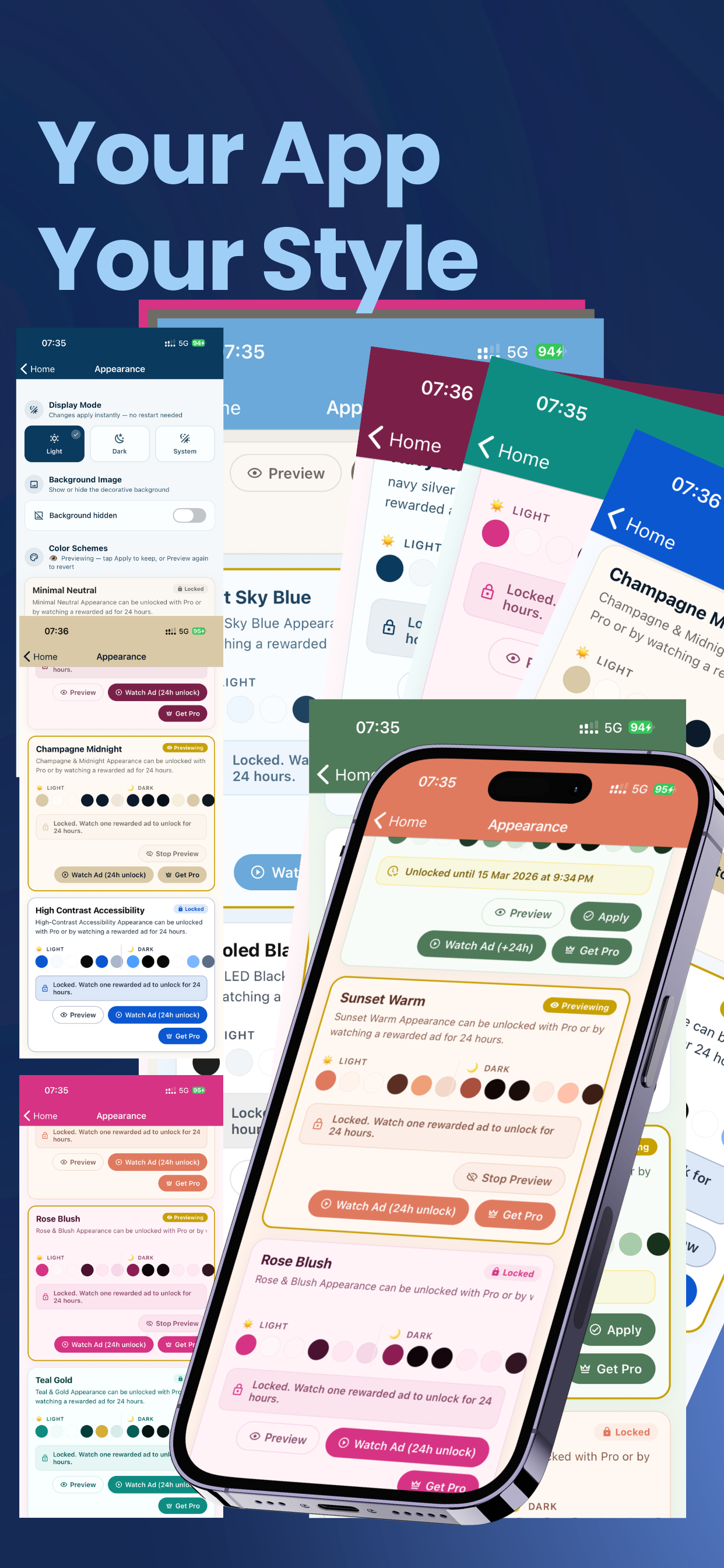
Appearance themesWater Tracker
6
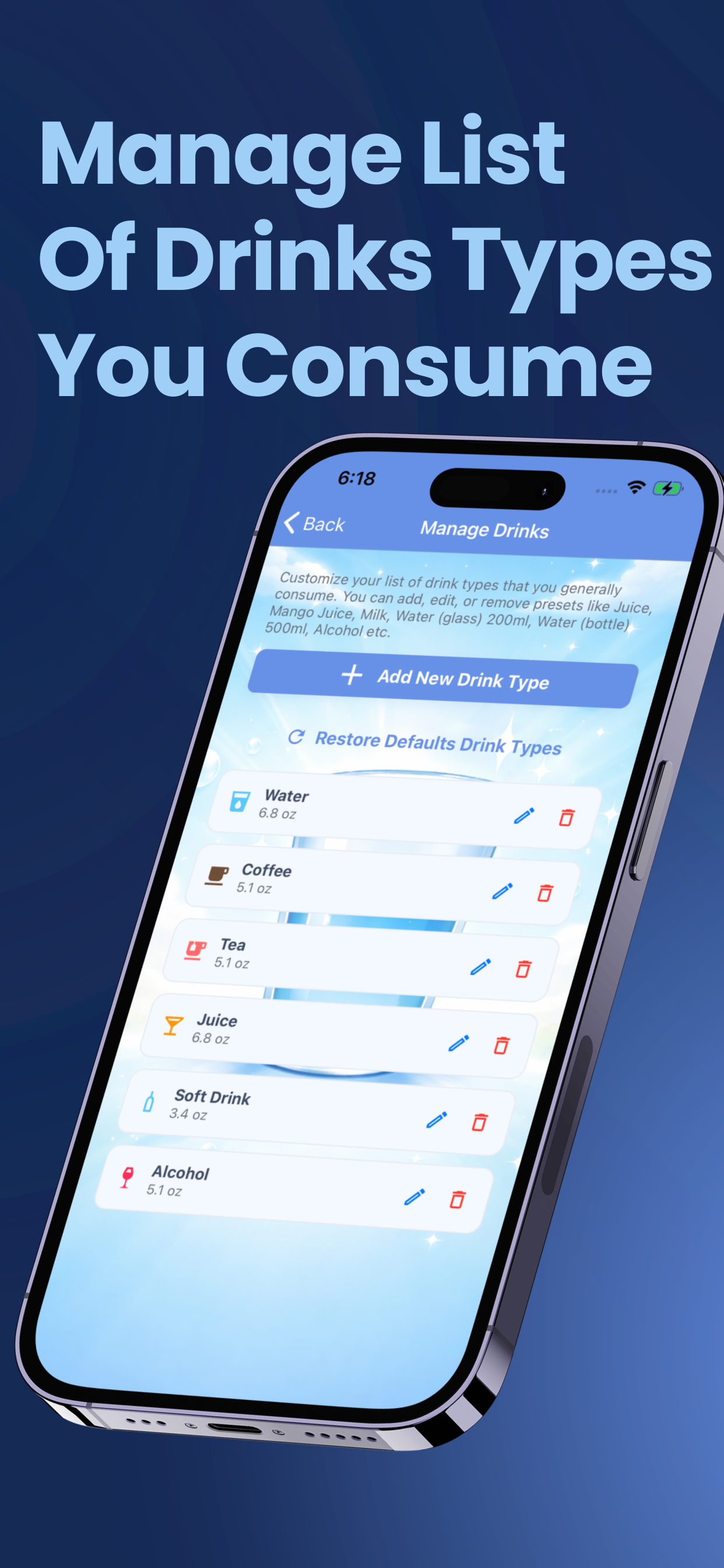
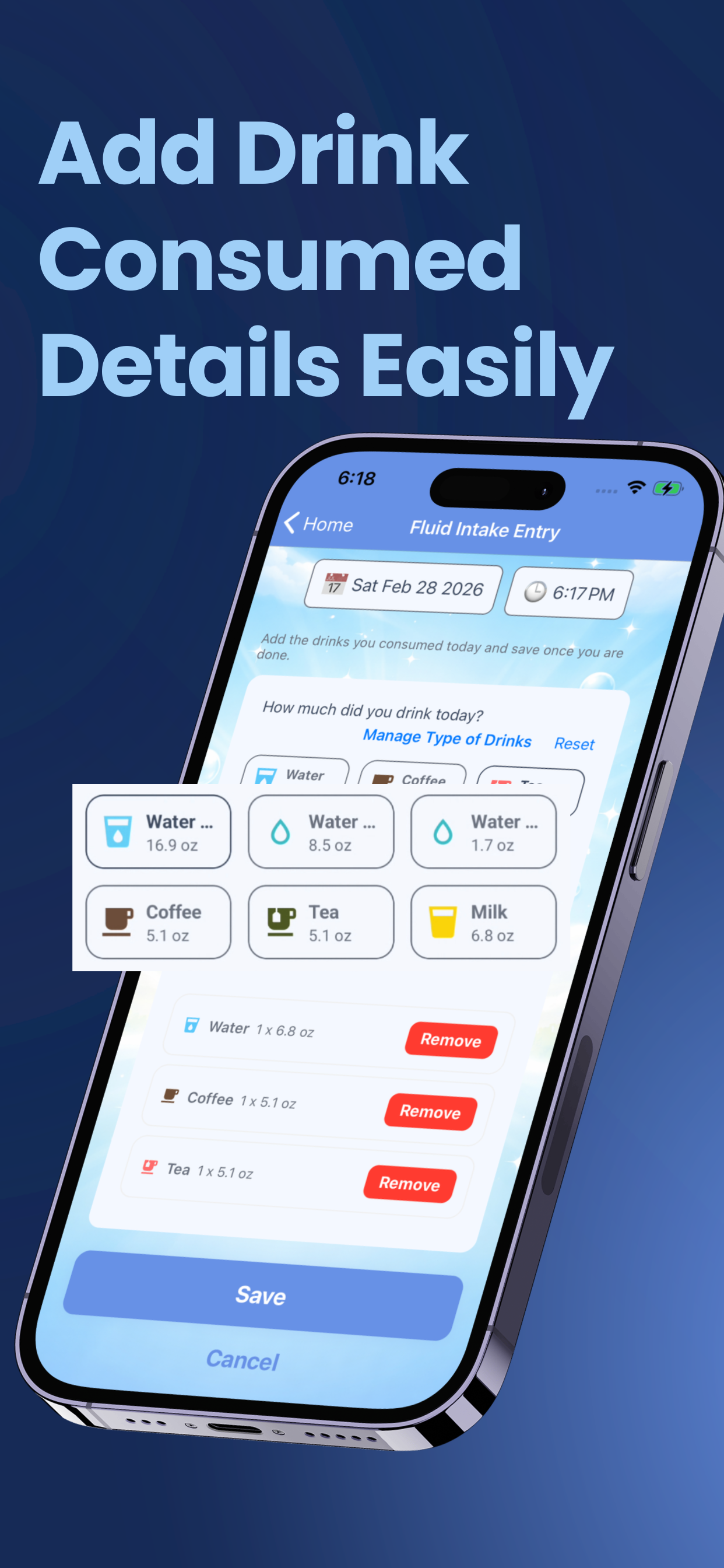
Manage drinksWater Tracker
7
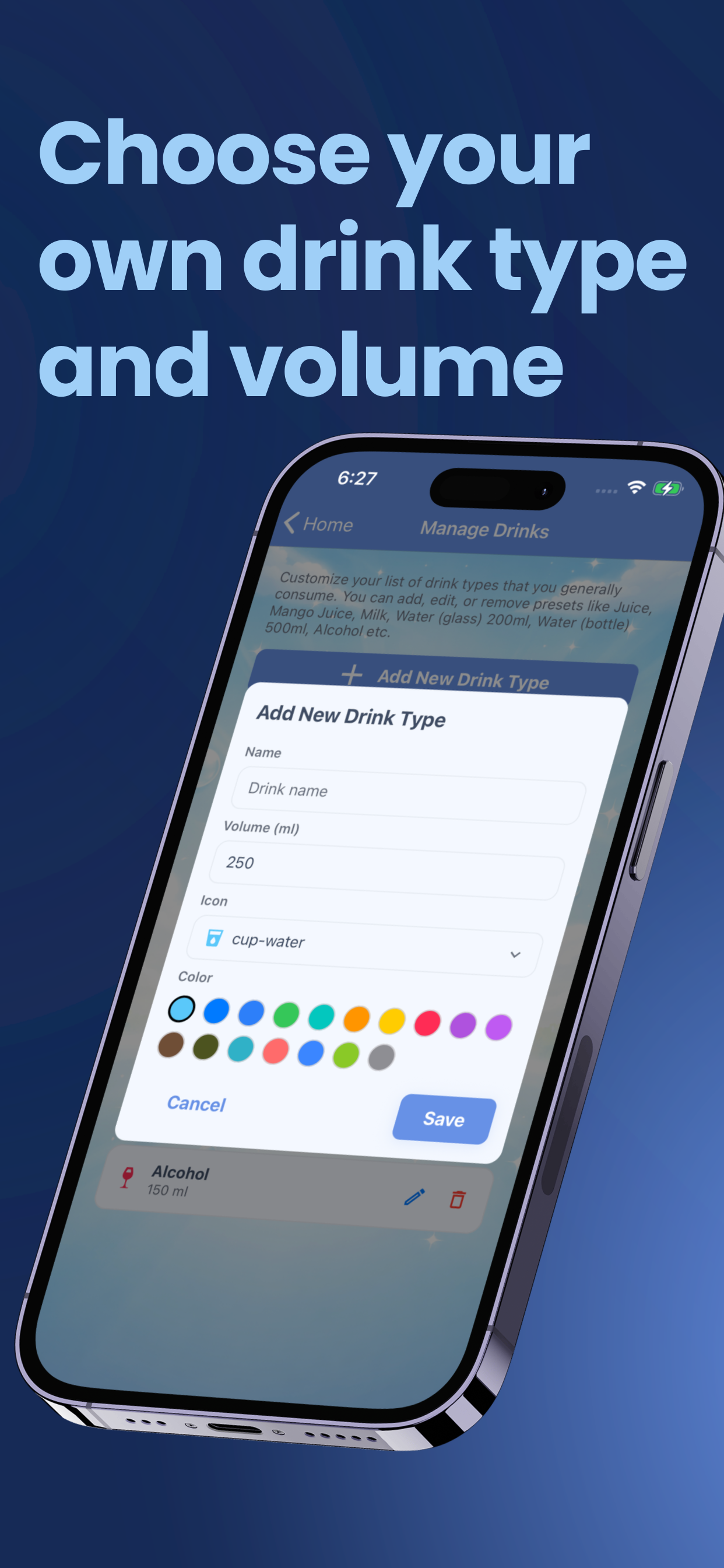
Custom drink setupWater Tracker
8
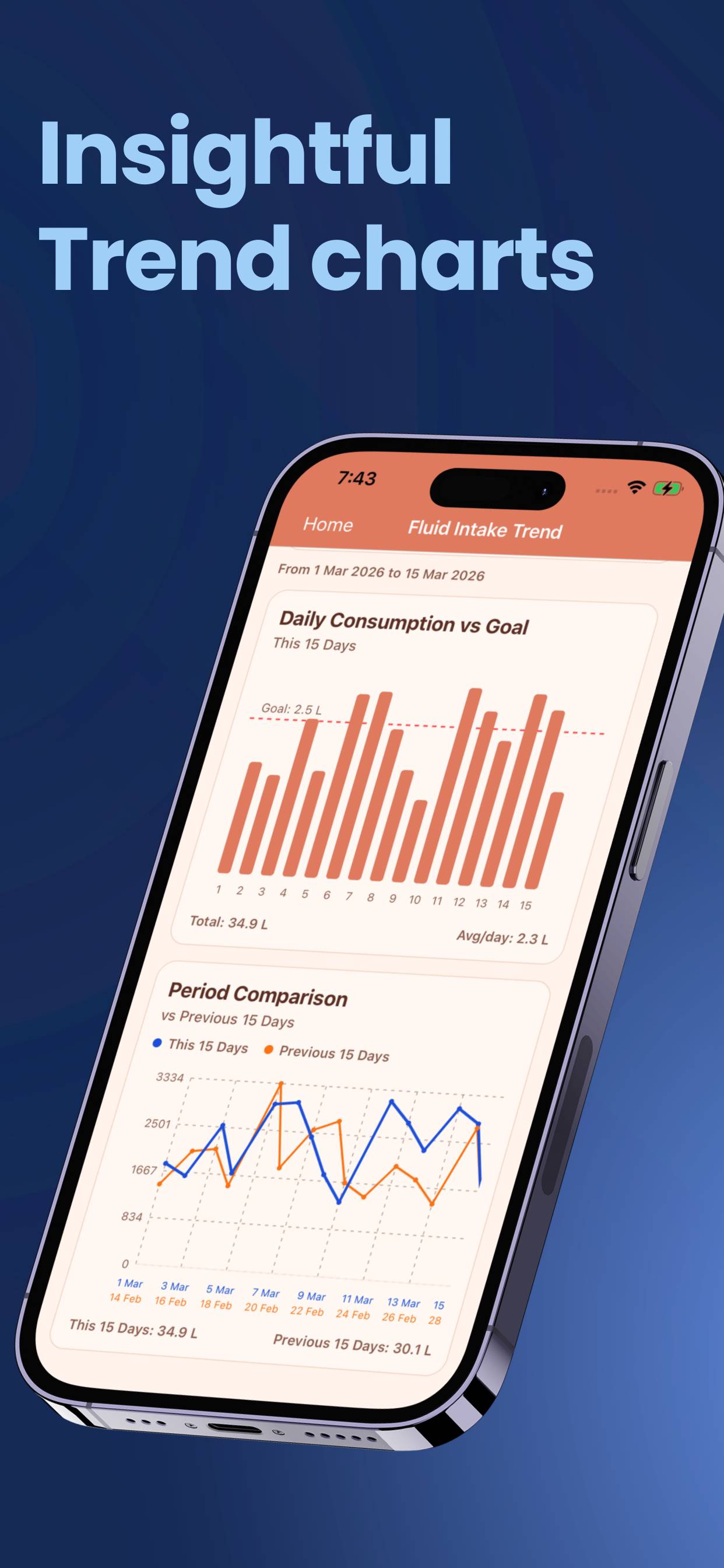
Hydration trendsWater Tracker
9
Personalized app styleWater Tracker
10