LEARNING LENS
Study with your own materials. See where an answer came from.
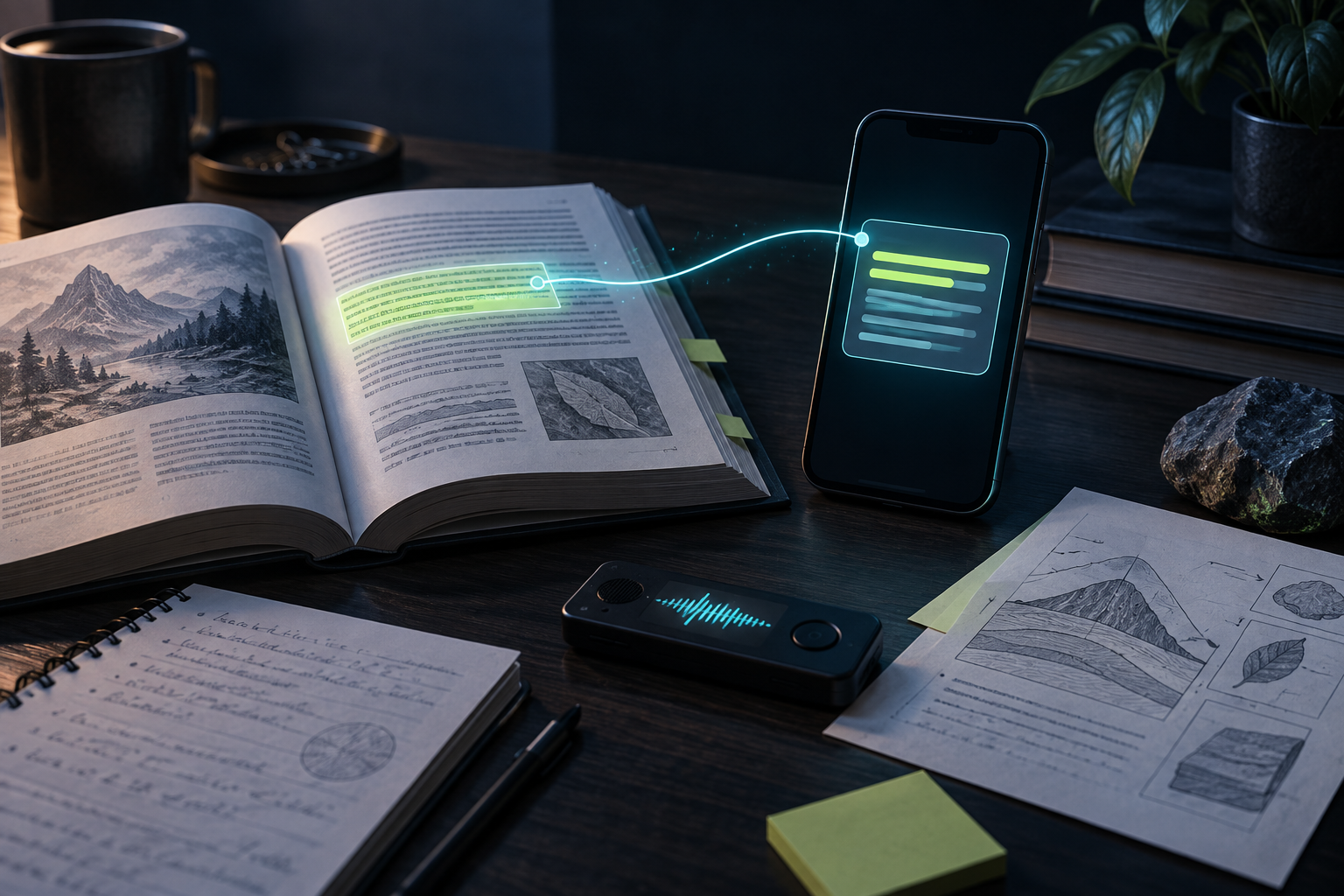
Your lecture notes, textbook PDFs, images, and recordings already hold the context you need. Bring them into one private Learning Vault, ask a question, and follow the answer back to its source.
See how it worksA compatible on-device model must be downloaded before using Learning Chat.
Why does changing state update a component?
State is data a component remembers. When it changes, React renders the component again so the interface can reflect the new value.
INSIDE THE APP
The real Learning Lens and Vault.
Start in Learning Lens to chat with your materials, then open the Vault to add the files you want to study.
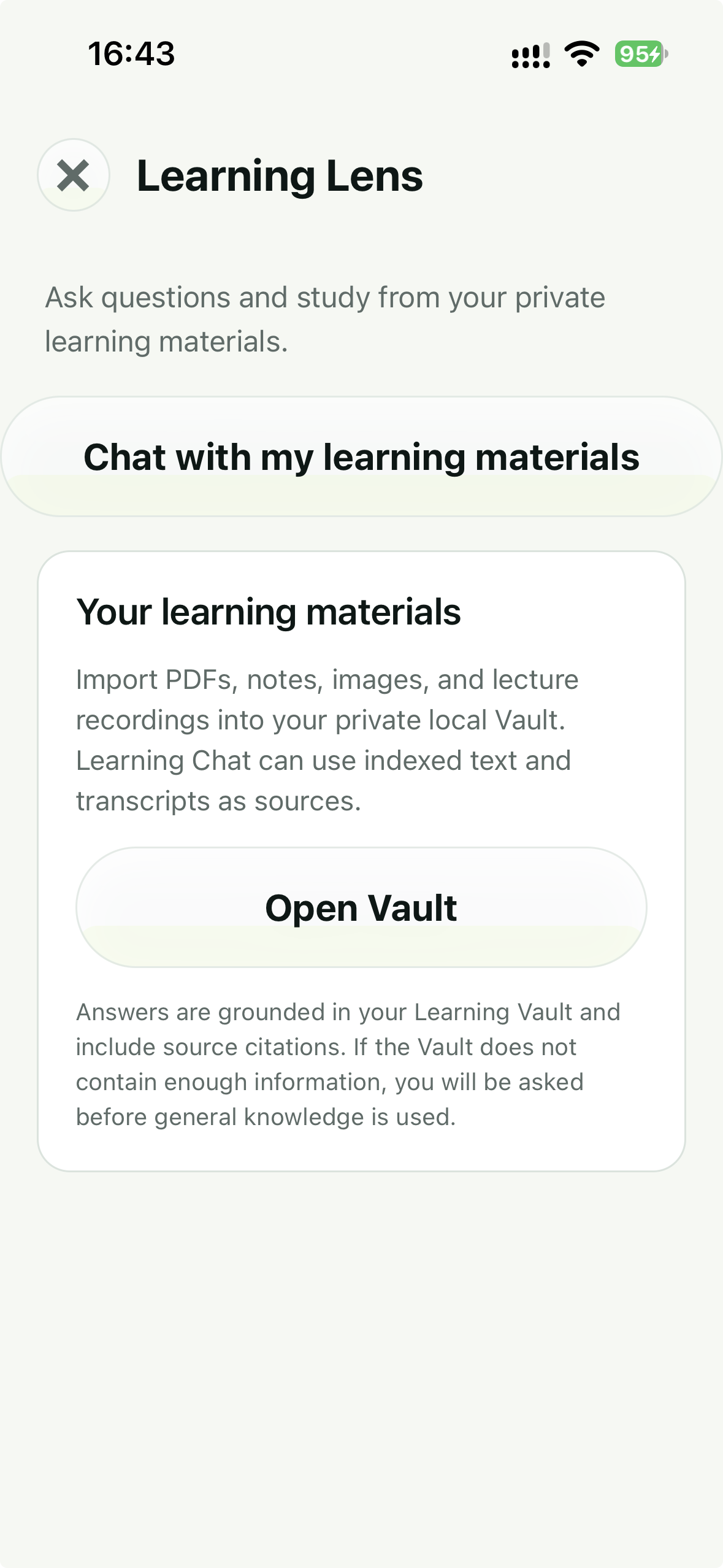
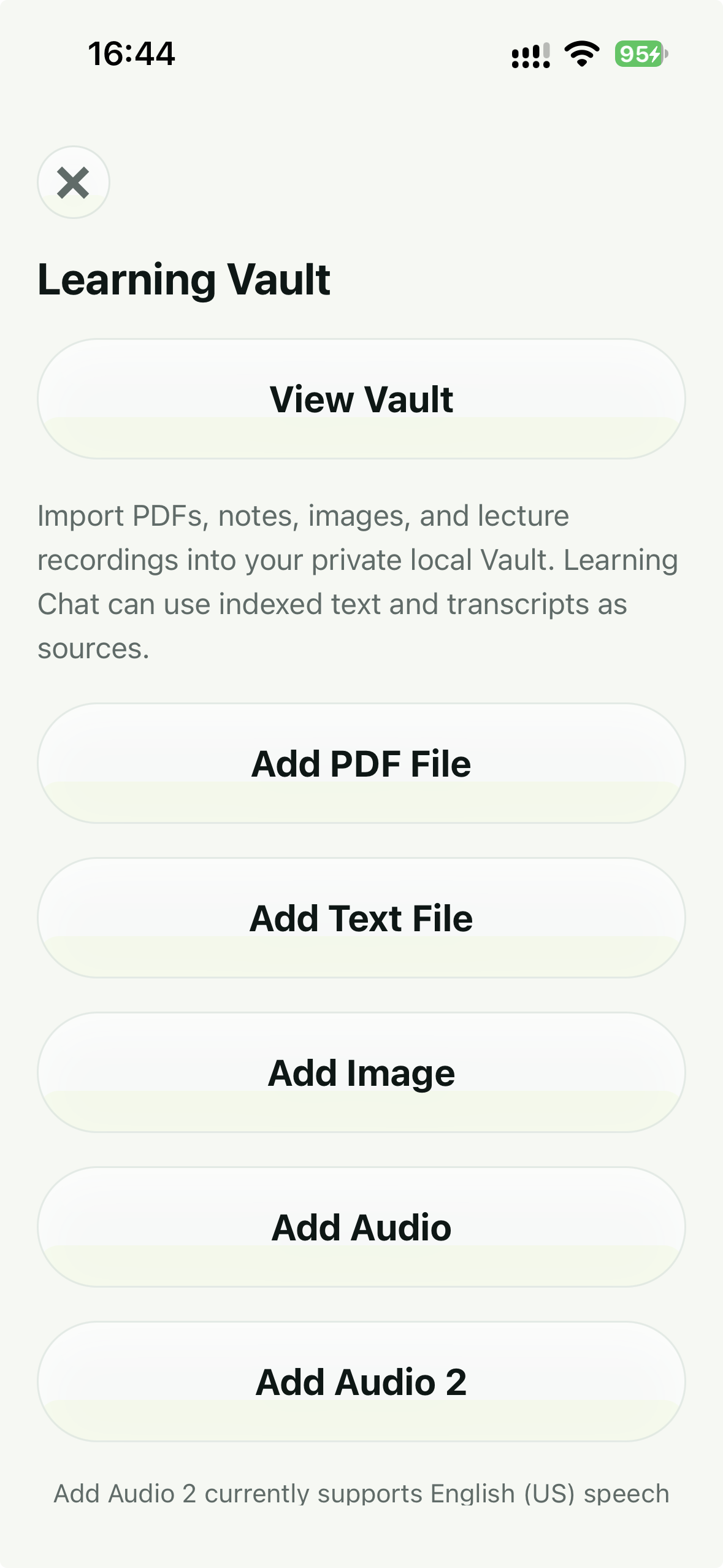
Current iOS screens. The screenshots show navigation and import options, not an example of a generated answer.
START WITH WHAT YOU ALREADY HAVE
One place for the material scattered across your day.
Keep course handouts, chapters, and written notes in the same study space.
Add diagrams or photographed pages. A local image model can turn visible content into searchable text.
Transcribe a recording so spoken explanations can become part of what Learning Chat searches.
FROM MATERIAL TO ANSWER
Ask the question your textbook cannot hear.
Use your own course material as the starting point, then check the answer against it.
- 01
Bring in what you are actually studying
Add a PDF, text file, image, or lecture recording to your Learning Vault. Subra AI prepares searchable text from supported materials on your device.
- 02
Ask a question in Learning Chat
Ask about a chapter, a concept in your notes, or a point from a lecture. Learning Chat looks for relevant parts of your Vault before forming an answer.
- 03
Check the material behind the answer
Use the source references in the response to compare it with your own material. PDF pages and audio timestamps may be included when that information is available.
Your materials stay in your local Vault
Learning Lens searches content from the Vault on your phone and uses an on-device model for answers. You do not need to upload a textbook or lecture recording to a cloud chatbot for this workflow.
WHY THE SOURCE MATTERS
A useful answer is one you can verify.
If an explanation feels unfamiliar, its source reference gives you somewhere to look next: the file you imported, and a page or audio time when available. That makes it easier to revise a difficult concept without losing the thread of your course.
AI can still misunderstand a passage or give an inaccurate reference. Treat citations as a route back to the original, not a guarantee that every sentence is correct.
GOOD TO KNOW
A few practical questions.
What can I add to the Learning Vault?
PDFs, text files, images, and audio recordings. Images need the local image model for description; recordings need transcription before their words can be searched.
Does it use the internet to answer questions?
Learning Vault retrieval and answer generation are designed to run on your device. You need to download the required local model first; downloading the app alone is not enough for AI answers.
Will every answer have an exact page or timestamp?
No. Source detail depends on the imported material and what could be extracted from it. Check the original when accuracy matters; AI-generated answers and references can still be wrong.
What if my materials do not cover the question?
Learning Chat is designed to say when the Vault does not provide enough information instead of presenting general knowledge as if it came from your files. As with any AI answer, review the source before relying on it.
YOUR NEXT STUDY SESSION
Start with one file. Ask one good question.
Open Learning Lens, add the material you are working through, and let the answer point you back to your source.