Make room for your ideas
Plan a calmer morning, draft a thoughtful message or work through a question. Get help putting your thoughts into words.
YOUR EVERYDAY AI, ON DEVICE
Chat, ask questions about images, turn voice into text, and choose the language and style of your answers. A private AI workspace that goes where you go.
Runs offline after model download. Availability varies by device and region.
 Explore the real interface TEXT · IMAGES · VOICE
A LITTLE HELP, EVERY DAY
Start with a message, an image or your own voice. Keep the conversation going in one place.
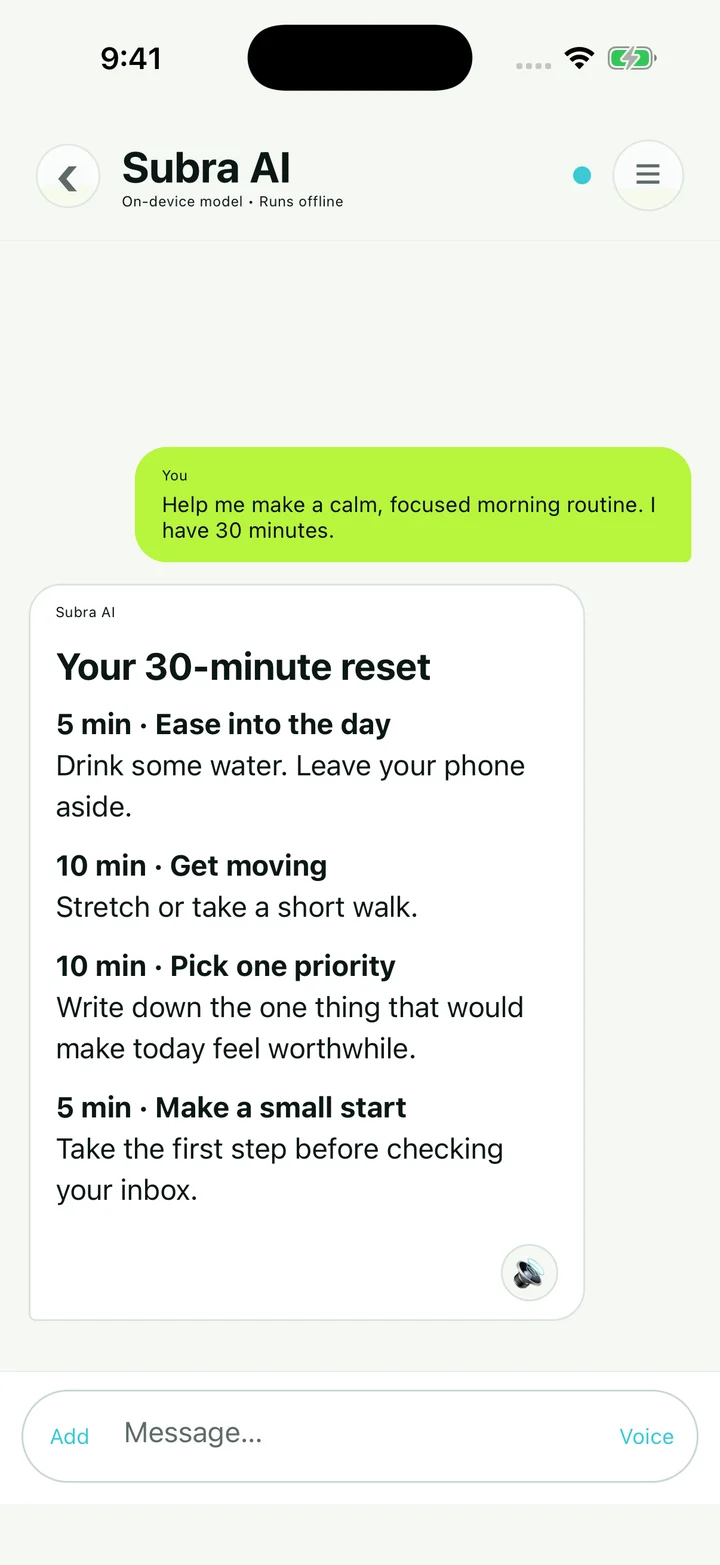
Plan a calmer morning, draft a thoughtful message or work through a question. Get help putting your thoughts into words.
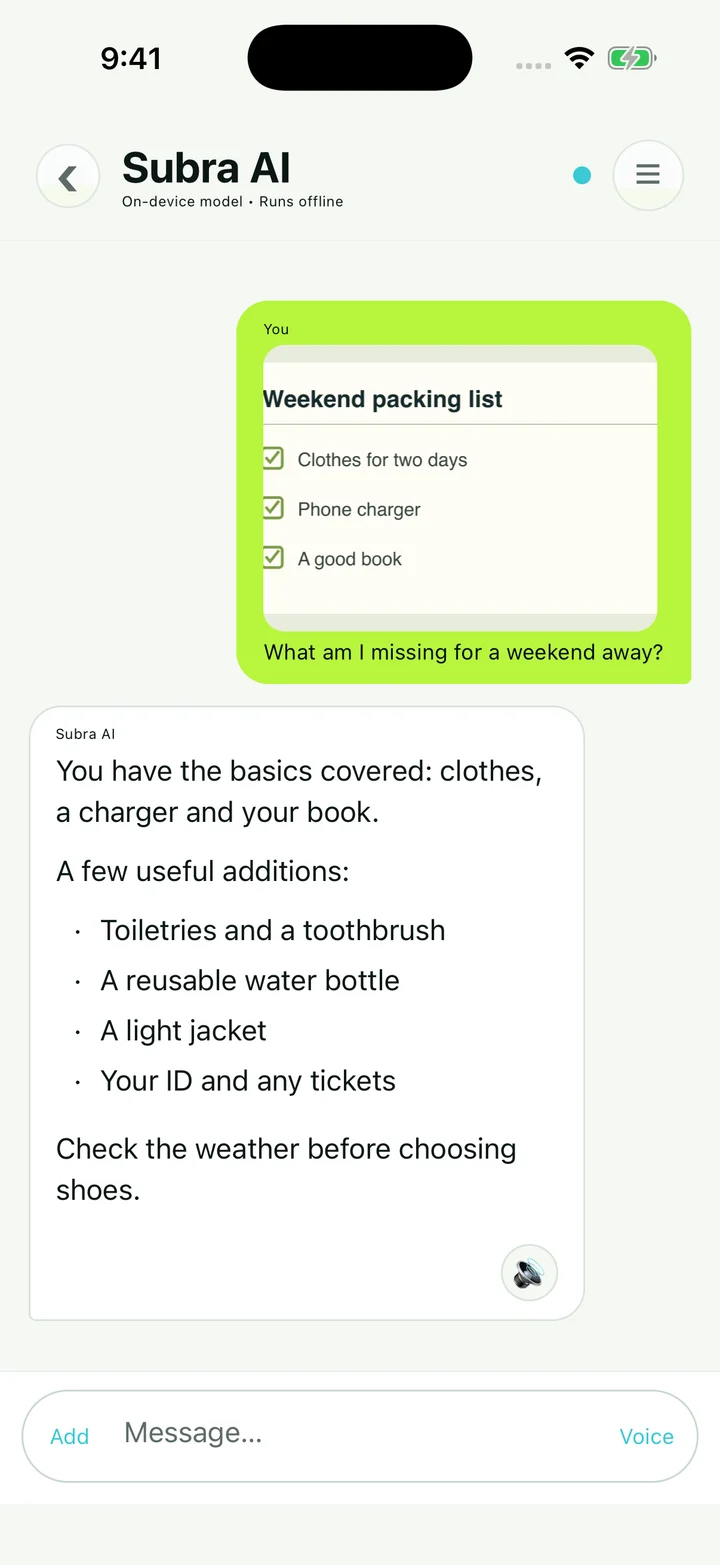
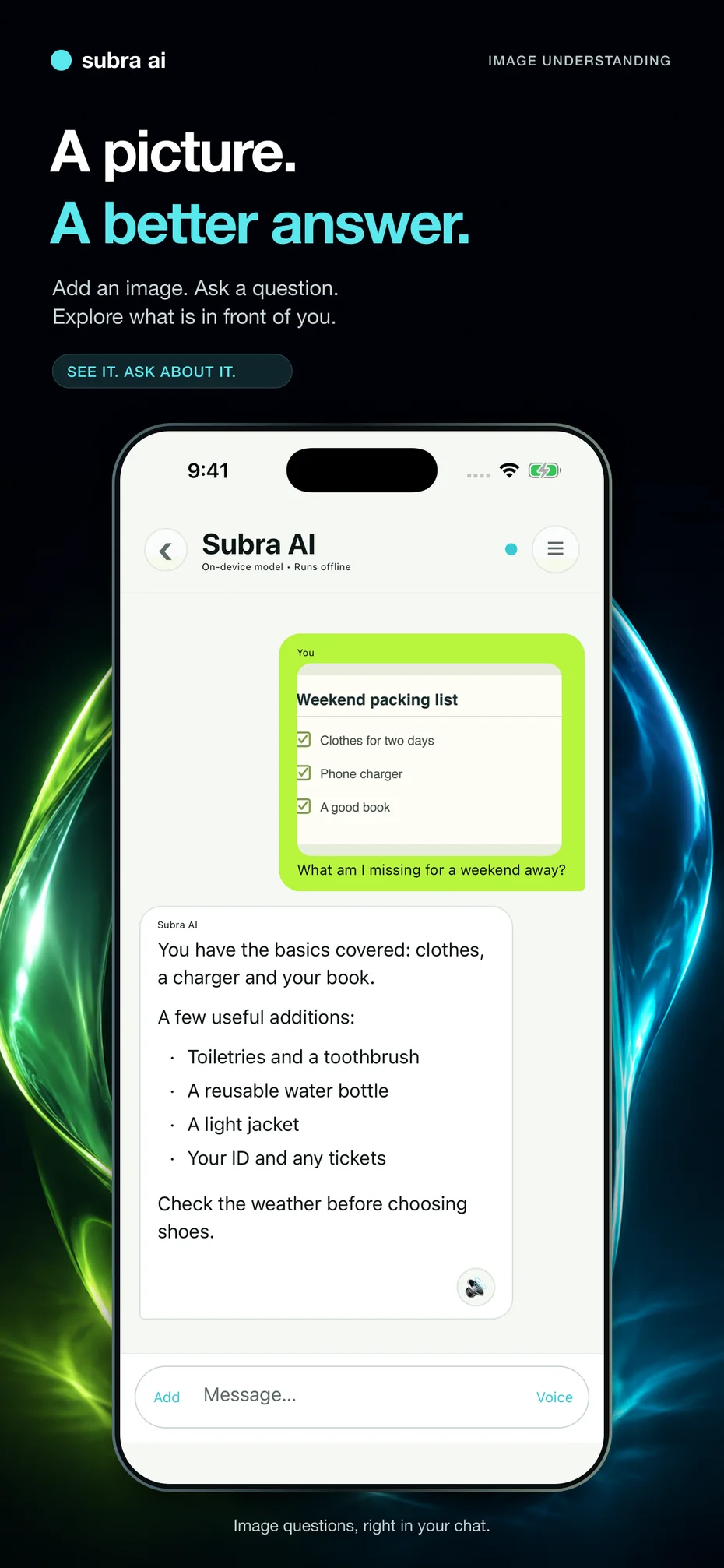
Add a picture and ask about what you see. A packing checklist, a visual reference or an everyday object can start the conversation.
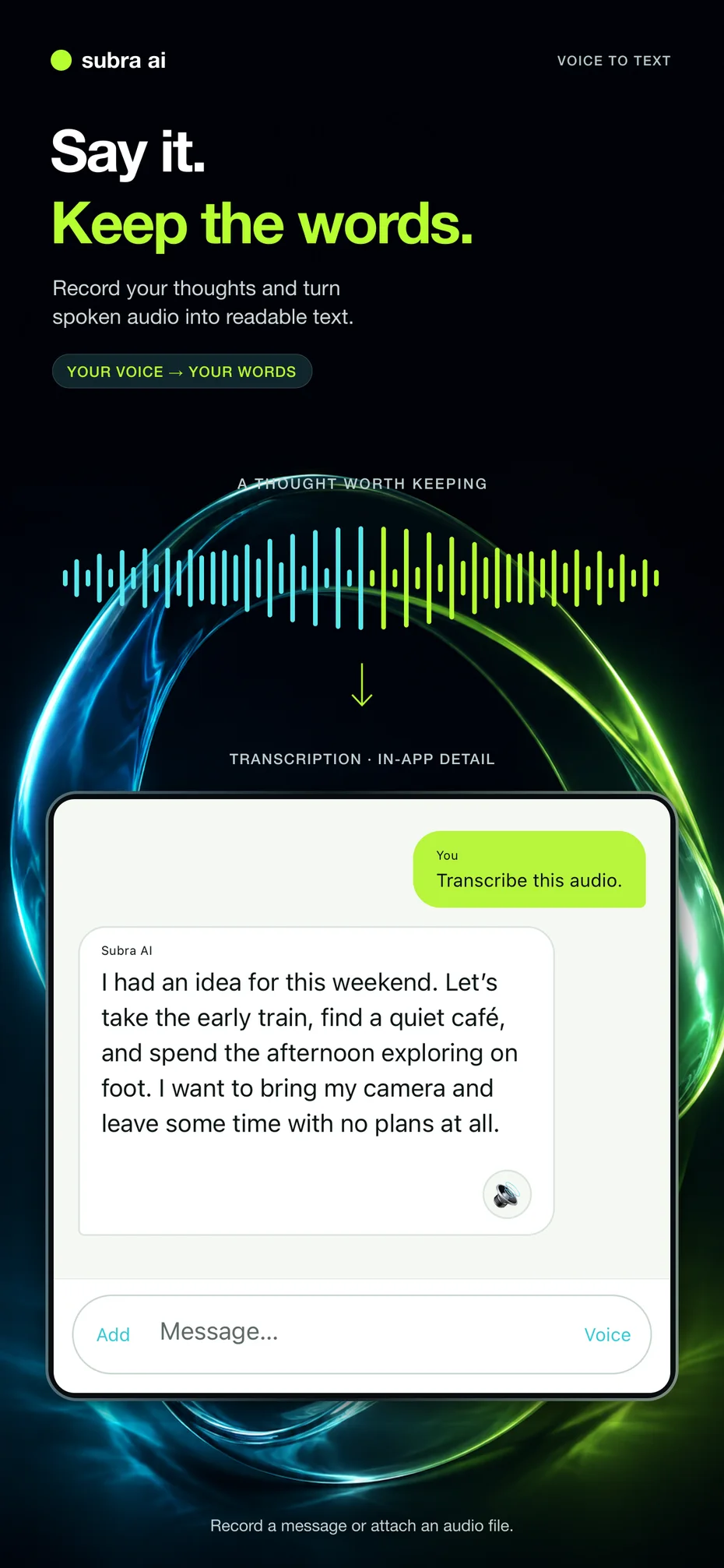
Record a thought or attach an audio file. Turn spoken audio into readable text you can return to later.
“Let’s take the early train, find a quiet café, and spend the afternoon exploring on foot.”See voice to text
MAKE IT YOURS
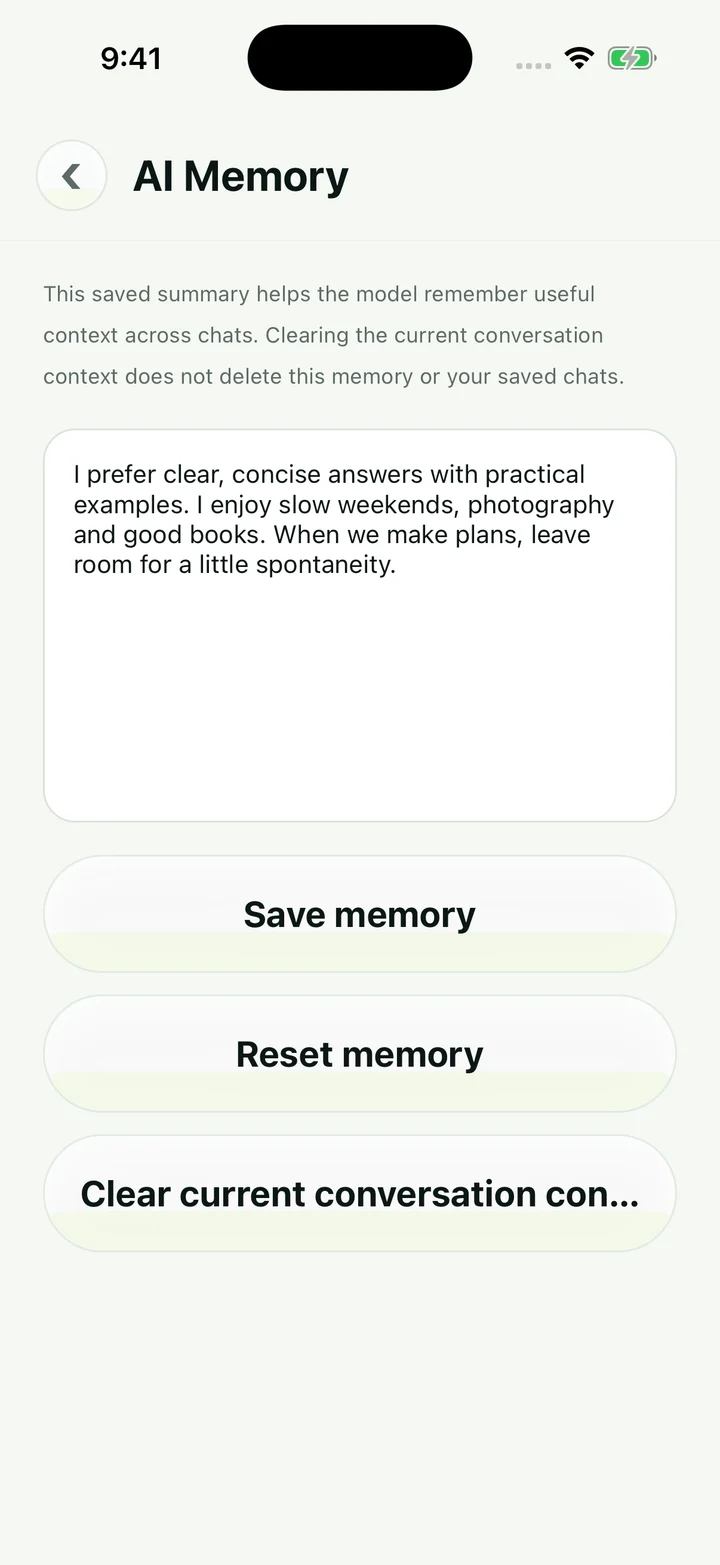
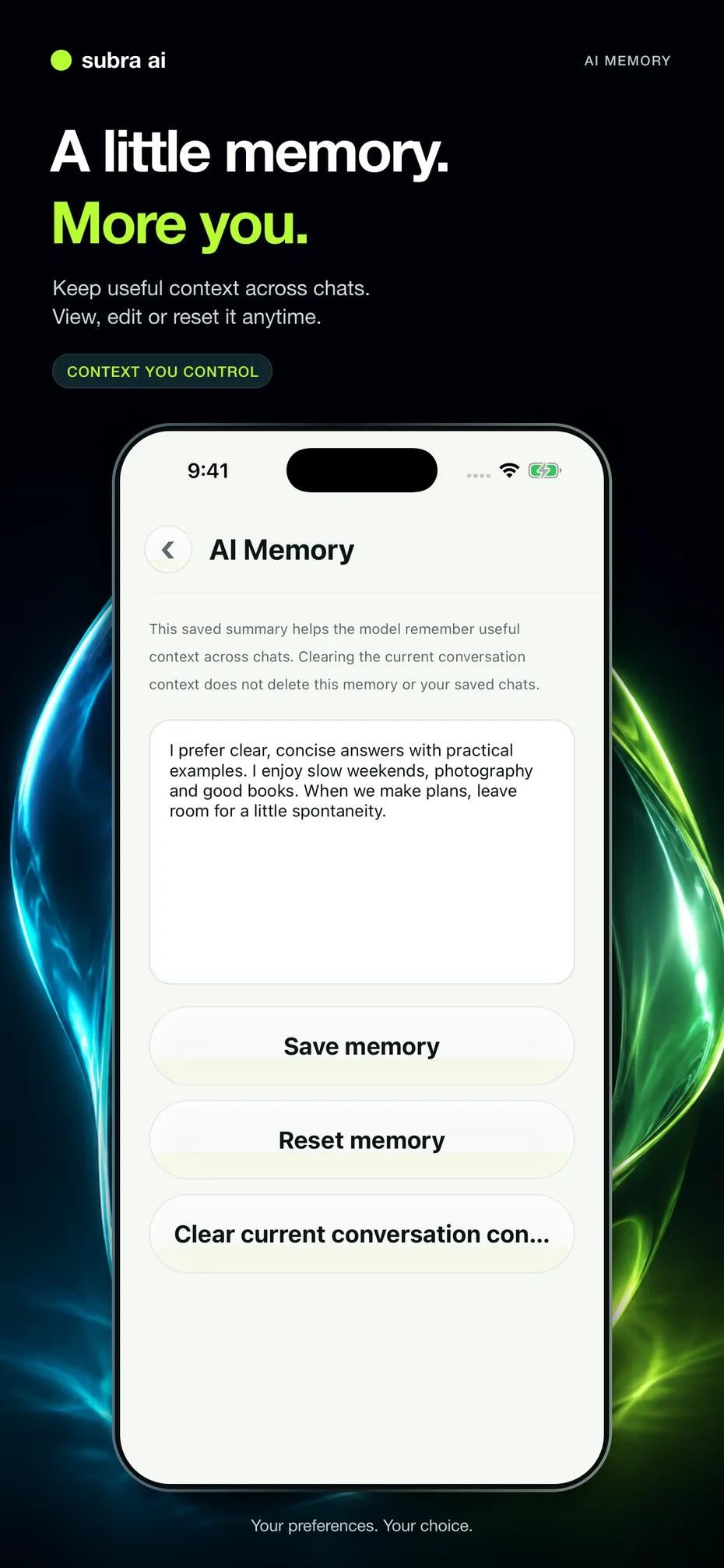
Keep useful context and preferences across chats. Open AI Memory to see what is saved, edit it or reset it whenever you want.
Saved memory and your current conversation context have separate controls.
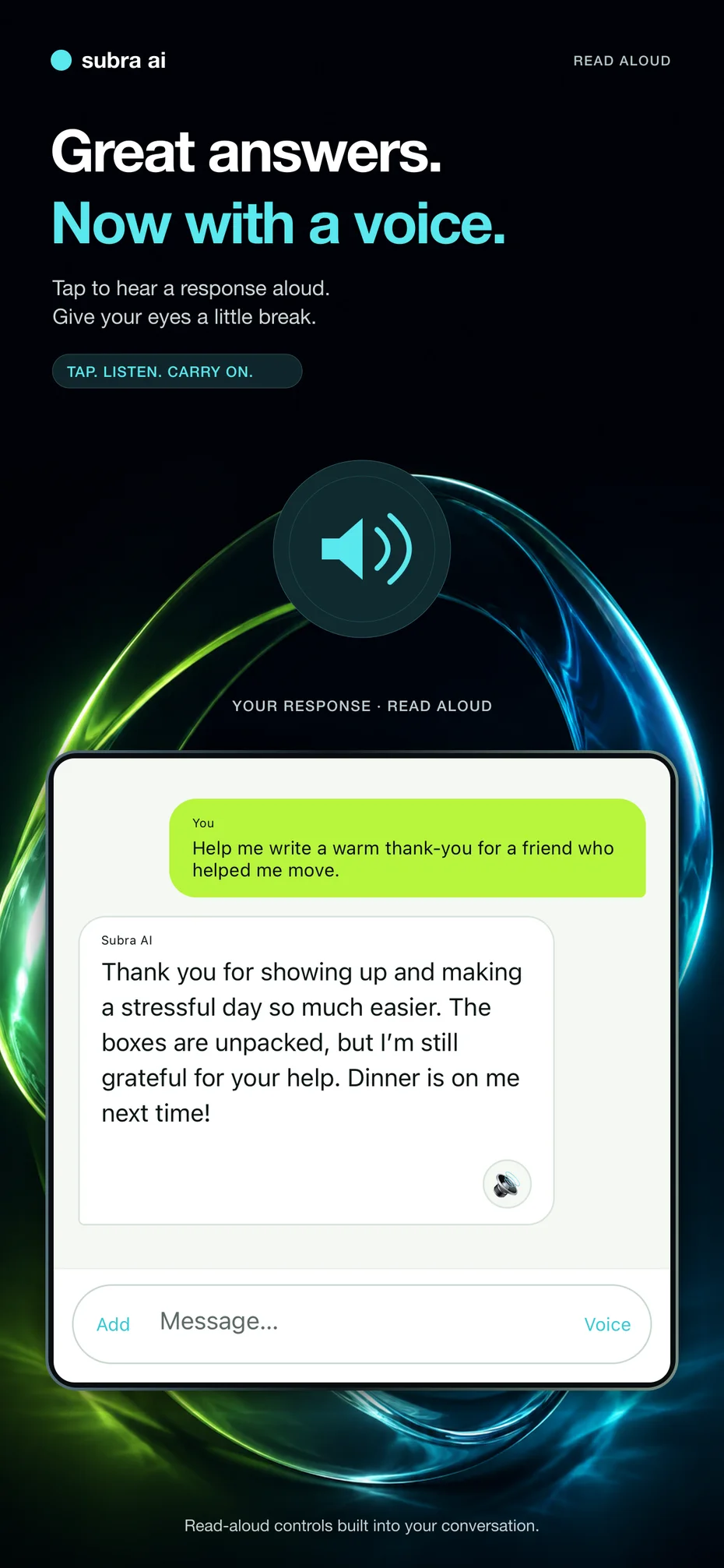
Use the read-aloud control to hear a response. You can also enable spoken replies in Settings.
PERSONAL RESPONSES
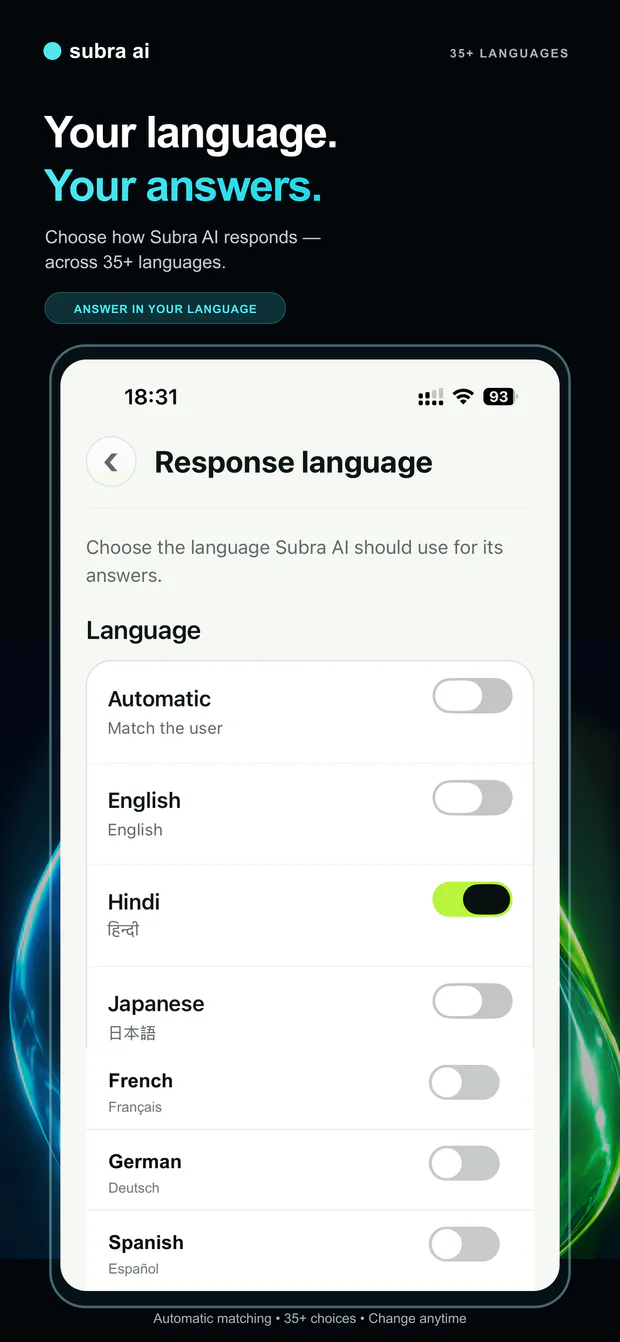
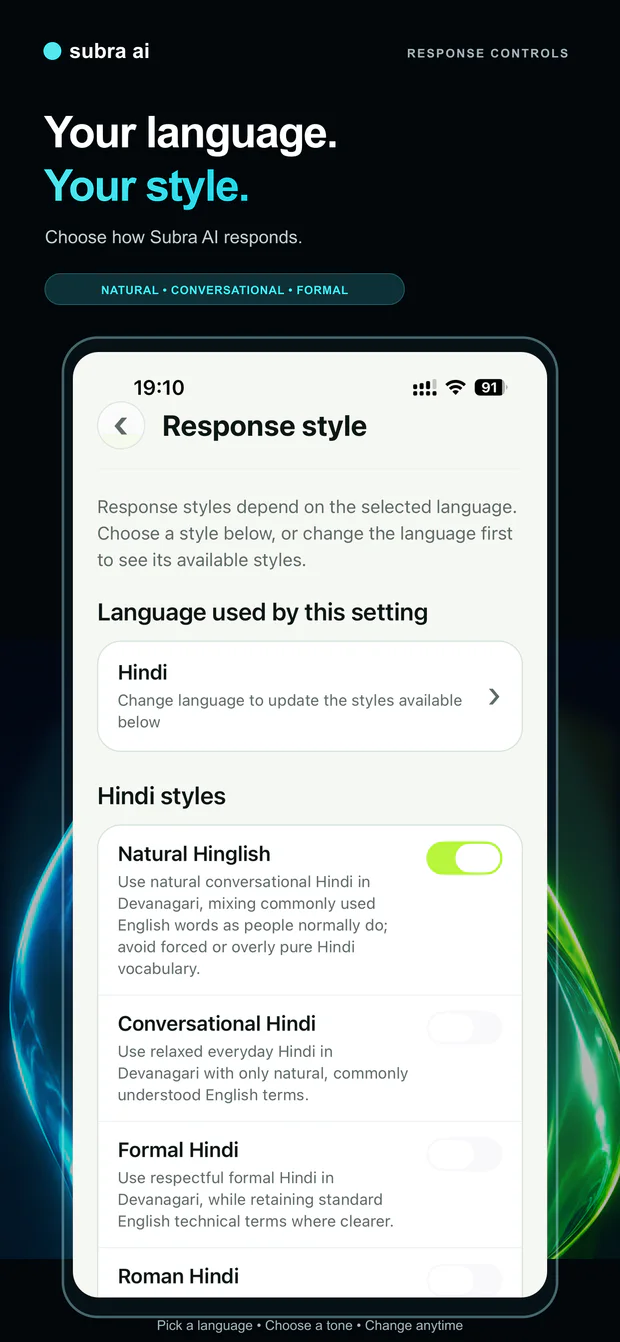
Choose from 35+ response languages—or let Subra AI automatically match your language. Then select a response style that feels natural to you.
Select Hindi, Japanese, French, German, Spanish and many more. Change your choice whenever you want.
Available styles adapt to the selected language, including conversational, formal and language-specific options such as Natural Hinglish and Roman Hindi.
Response-language support is separate from translation of the app interface. Available styles vary by selected language and model.
KEEP IT. COME BACK. PASS IT ON.
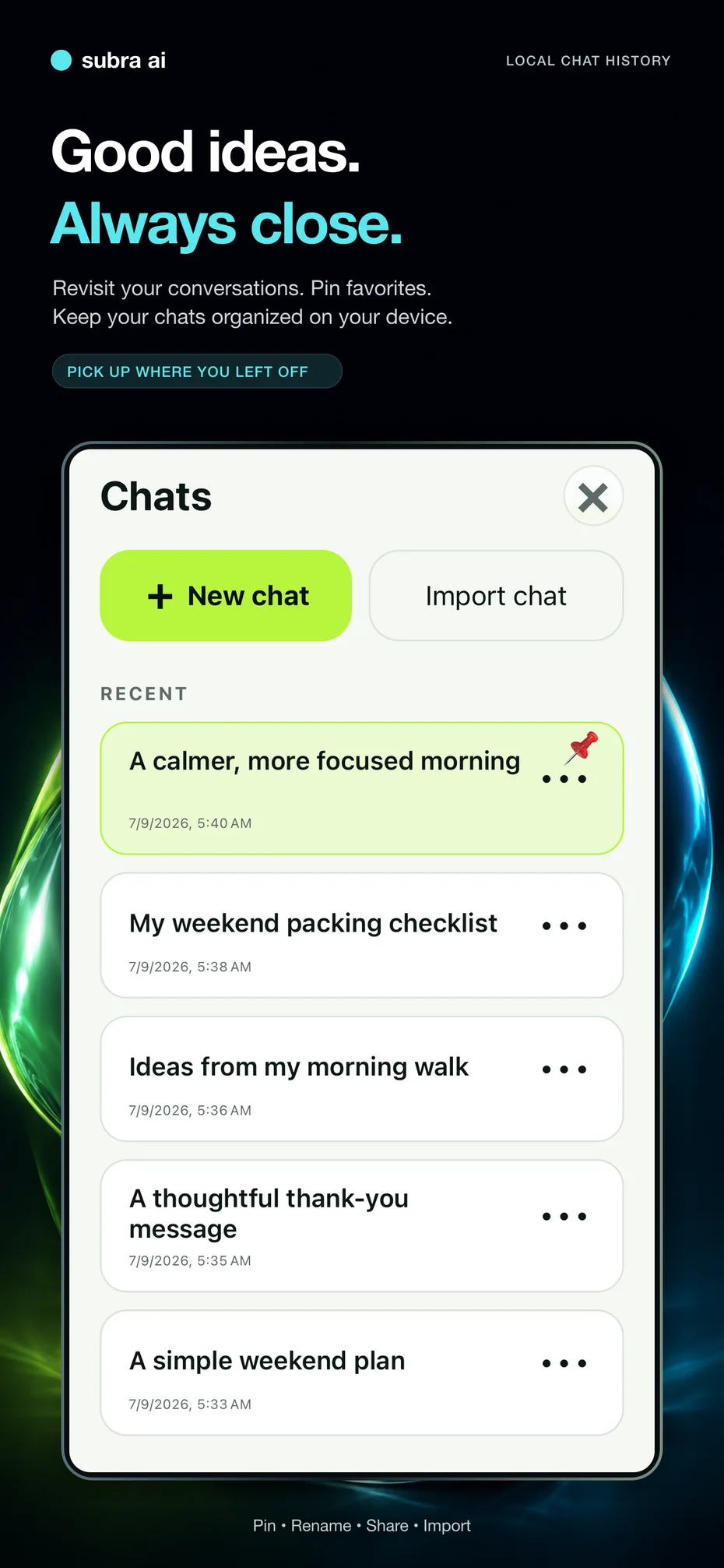
Your conversations stay in your local chat history. When a chat is worth passing along, share an export with a friend, a colleague or anyone you choose.
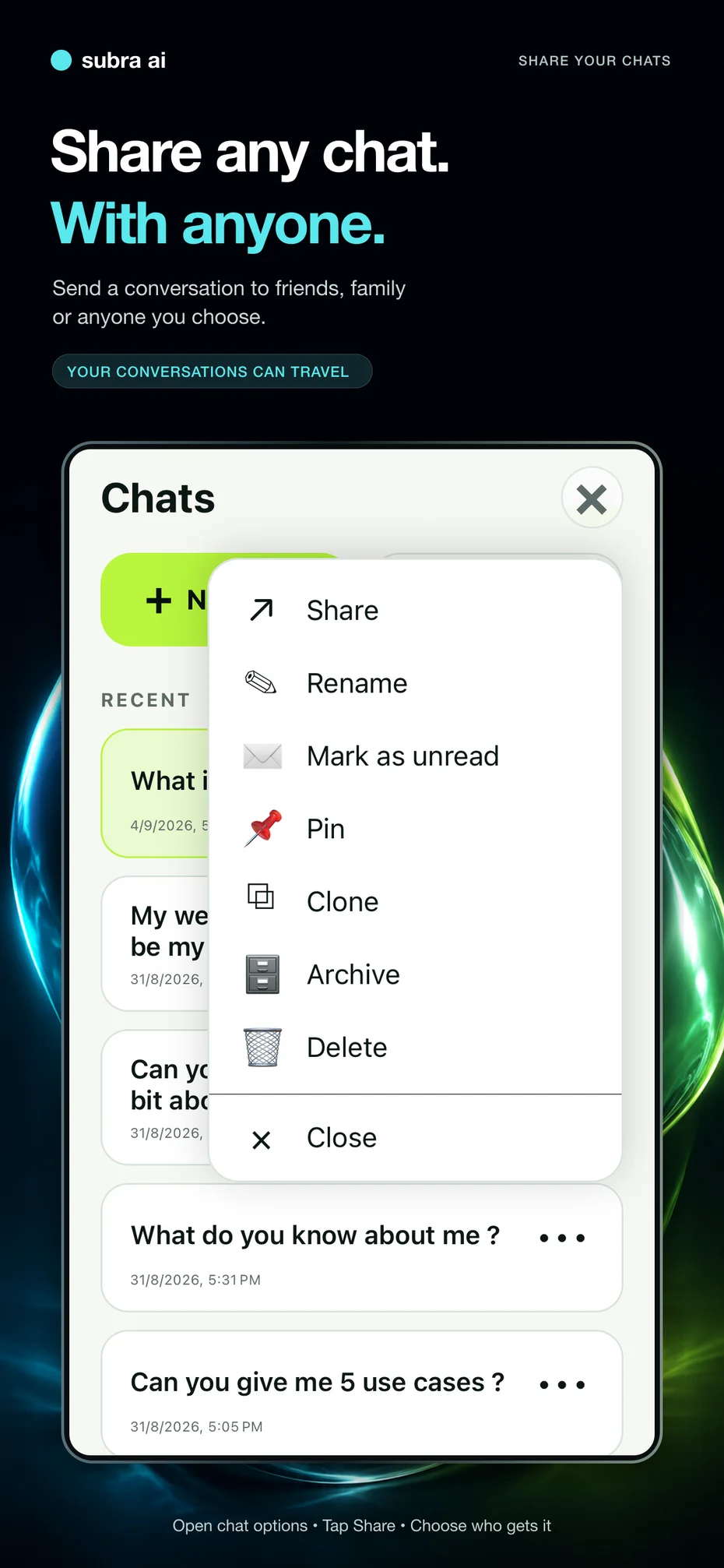
Open chat options → Share → choose a recipient or destination.
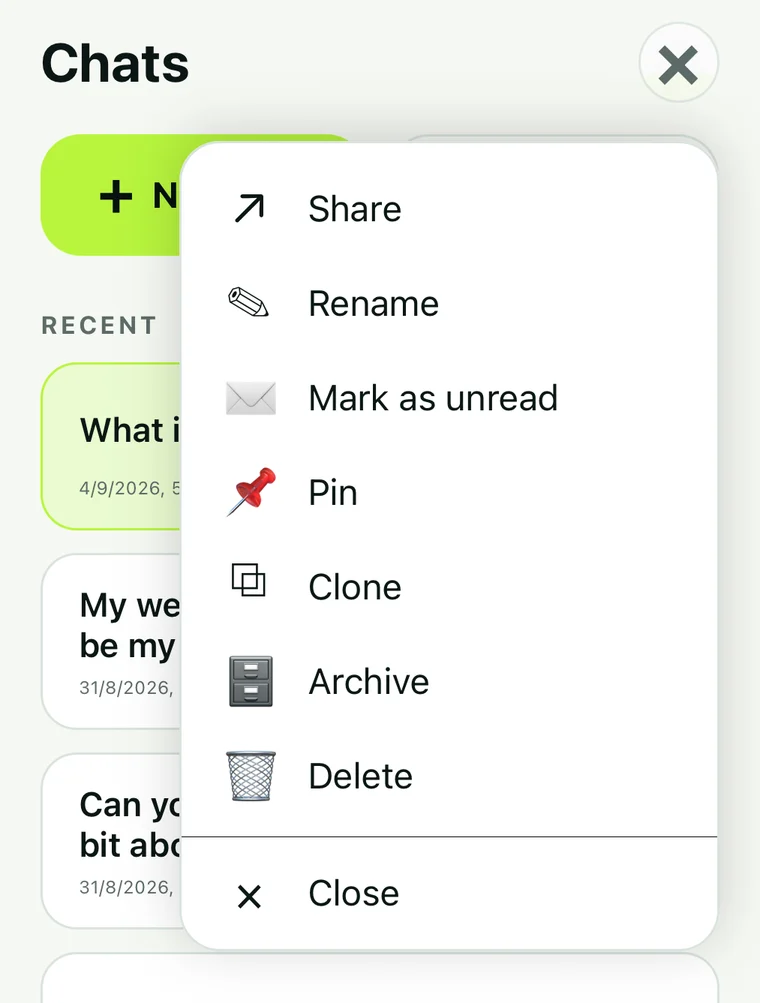 Share any chat. With anyone.
TAKE A LOOK INSIDE
Explore ten current capabilities. Select an image to open it larger.
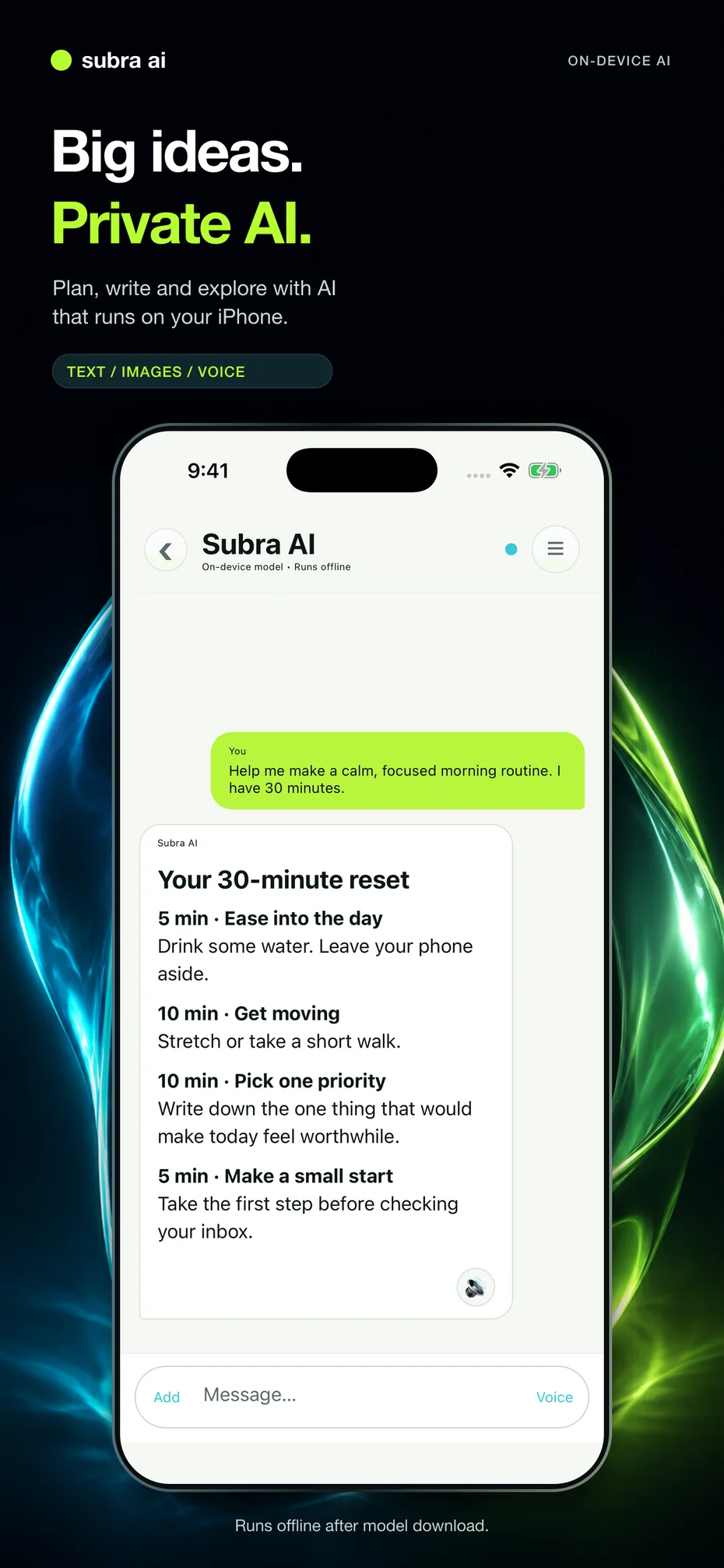
iOS interface shown with example conversations. Features and layout may vary by platform and model.
PRIVACY YOU CAN UNDERSTAND
The on-device experience processes prompts and responses locally, without uploading your chat history to a Subra AI server.
Read the privacy detailsDownload the app and a compatible model first. On-device chat can then work without an internet connection.
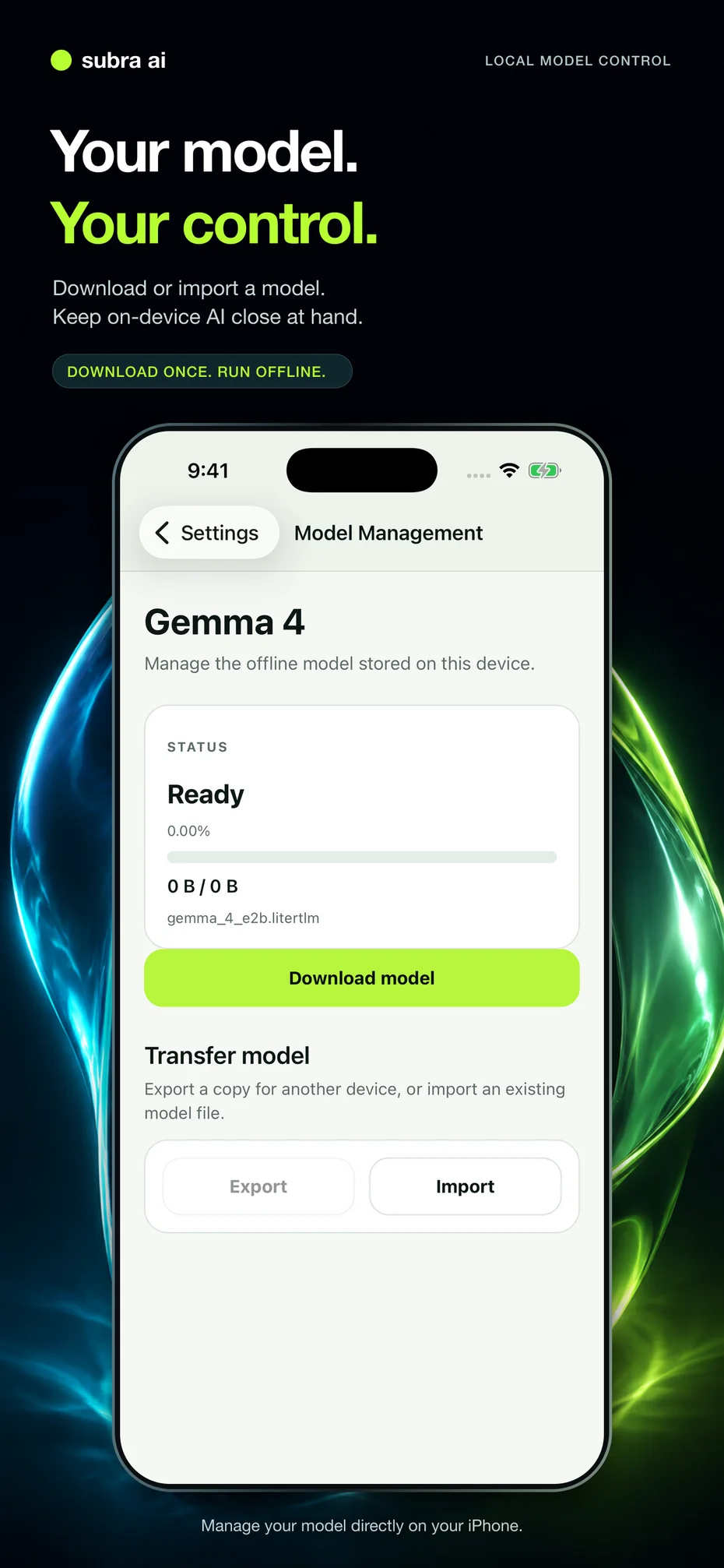
Download or import a local model, export a copy, and manage it directly on your device.
Manage local chats and AI Memory in the app. Sharing an export gives your chosen recipient a copy of that conversation.
MEET SUBRA AI
A short introduction to the idea behind Subra AI. Explore the screenshots above for the current interface and capabilities.
IDEAS & USE CASES
Explore a study workflow, everyday creative tools, and the engineering decisions behind the on-device experience.
Business integration examples are separate from the consumer features shown above.
BRING YOUR NEXT IDEA
Text, images, voice and useful context.
Ready for your everyday conversations.
No account required. A compatible model is needed for on-device inference.